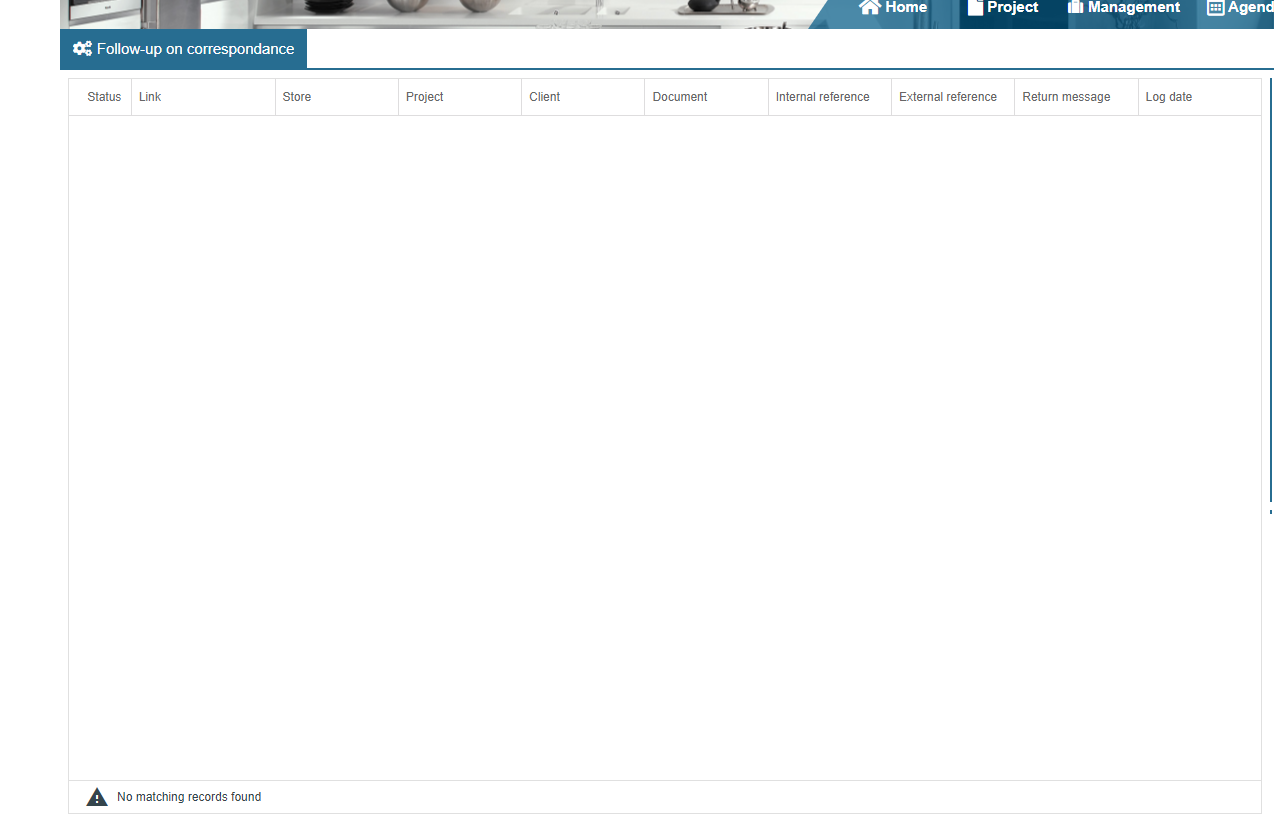
External Applications Logs
This screen allows you to display the logs of external applications via API. For example the “Notifications” part.
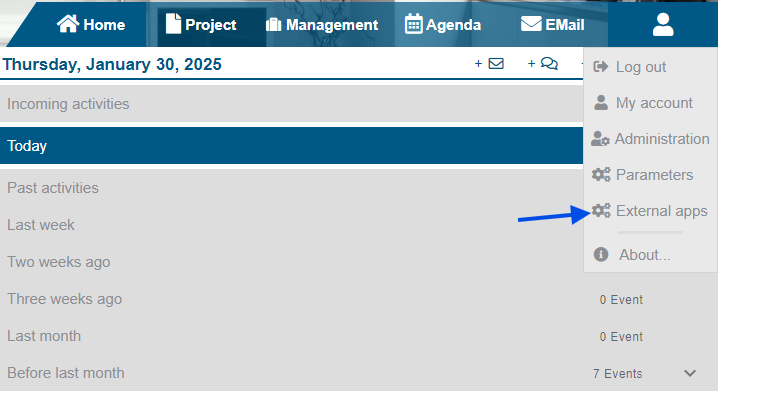
The "External Applications" menu is accessible by clicking on the character icon at the top right. It allows you to view the entire log with an external application (eg: Notifications).
Several filters can be filled in, some of them are mandatory:
- The store: if nothing selected = All stores, otherwise we take the selected store
- Min Date: the search start date
- Day: the number of days searched (added to the min date) between 1 and 30 days
- Link: the type of link you want to retrieve
- Status: the status of the log --> failure or success or both
- Search on external / internal reference: search on the "Internal reference" and "External reference" columns (attention exact search)
- Search: search on customer information, documents, projects
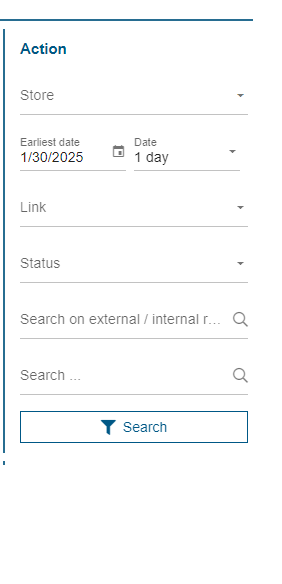
As long as you do not click the "Search" button, no search will be performed. When an error or error message is returned by the search, a message will appear below this button.
When clicking on a line, a menu appears, with 3 possible choices:
- View document: allows you to go to the document, this button appears if the document information is entered on the line
- View project: allows you to go to the project, this button appears if the project information is entered on the line
- View details: displays the message received to copy it and allows you to see the attachments of the project of the line if there is one