Accounting Information
In this part of Retail operations, we will talk about everything related to the setting of accounting families.
- Store/Company accounting code
- Third-party accounting family (customers/suppliers)
- Product accounting family
- Accounting family As explained in the previous page, the right to modify the parameters at the company is activated.
Store/Company Accounting Code
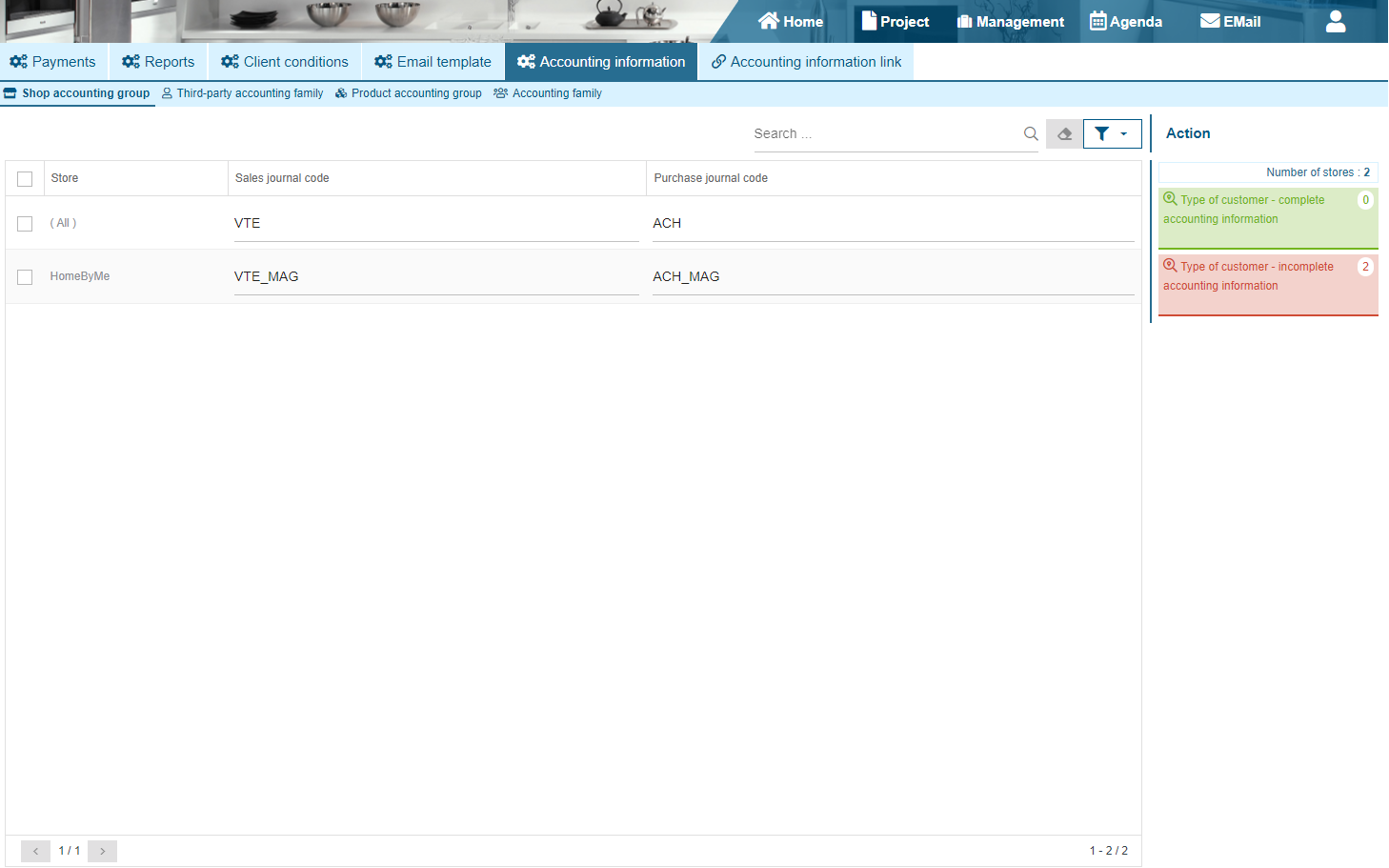
In the first tab "Store Accounting Family", you will be able to fill in the sales and purchases journal code for the company "(All)" and/or the stores linked to you. There will be two widgets on the side to indicate the correctly filled in information and the incomplete information.
Third-party accounting family (customers/suppliers)
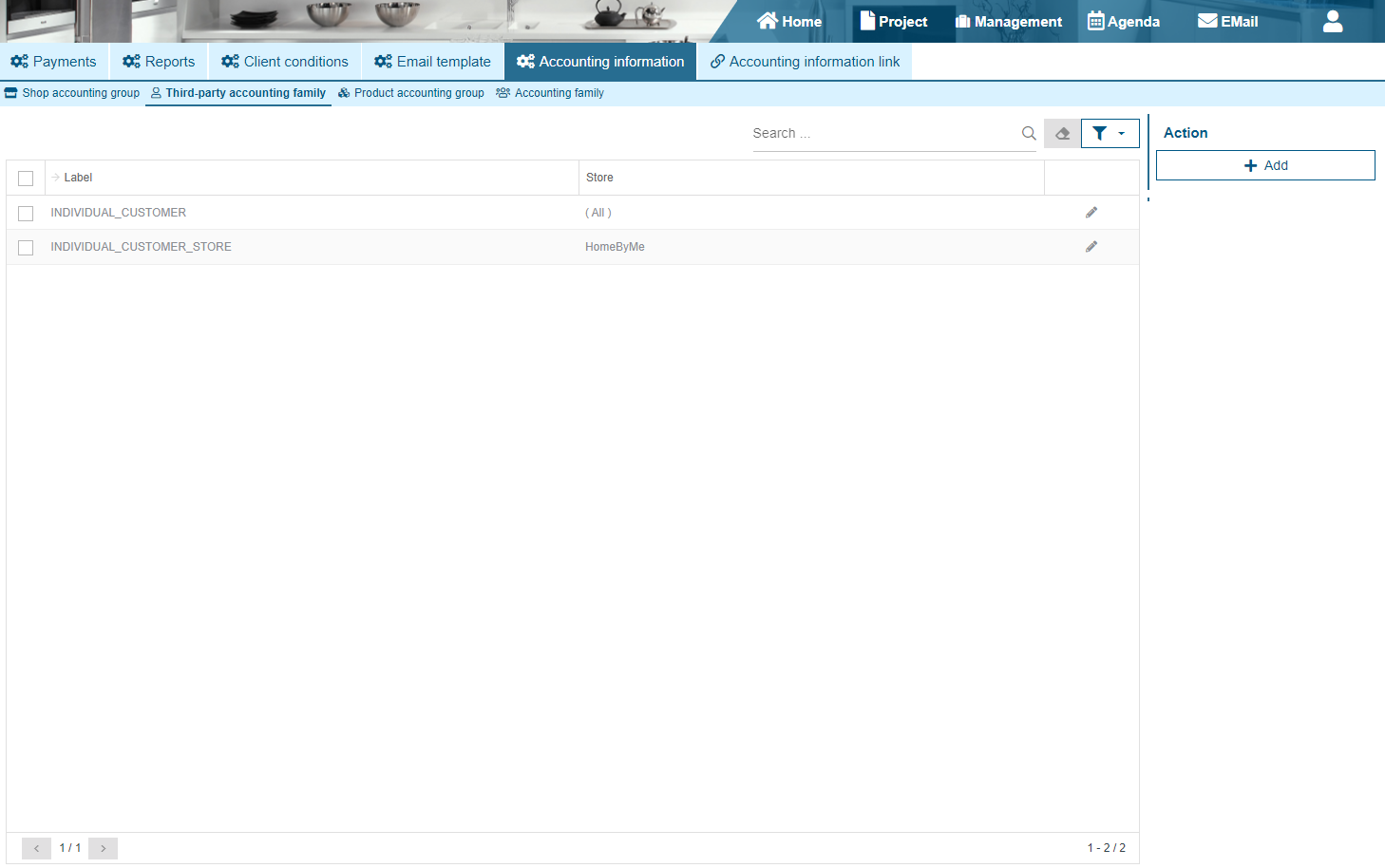
The "Third-party accounting family" tab will allow you to configure all accounting families linked to third parties (Customers/Suppliers). You can add/modify a family to a store or to the company ("(All)").
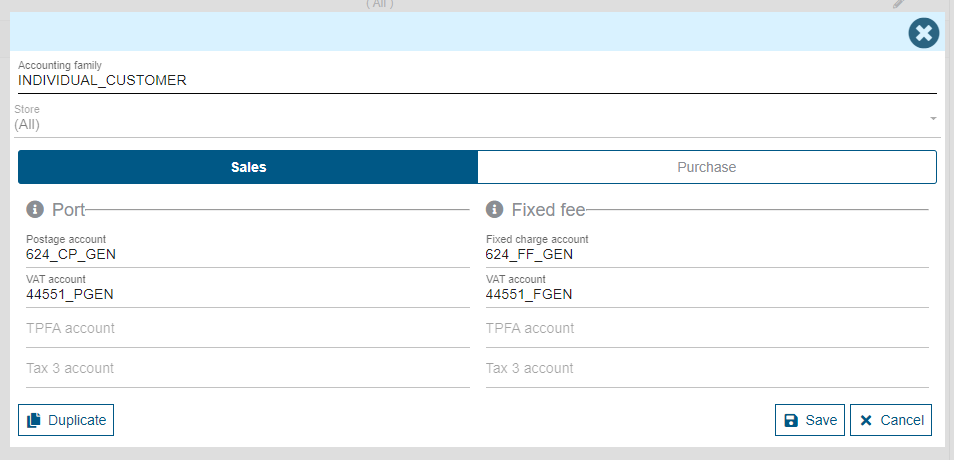
When adding or editing a family, some fields may be disabled because your company is not subject to certain taxes. Each account will be available in the sales and purchases tab. You will need to edit both tabs to edit the accounts in each category. When editing, there will also be a "Duplicate" button to duplicate all the information in this family in another store.
Product accounting family
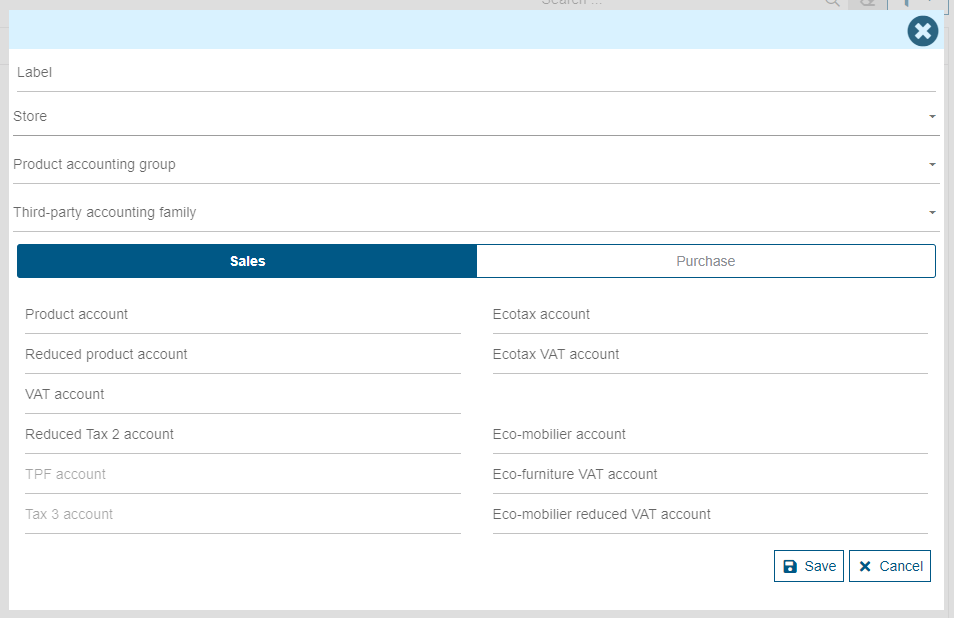
The third tab "Product accounting family" allows you to enter the accounting families linked to the products. They will be configurable for a store or the company ("(All)").
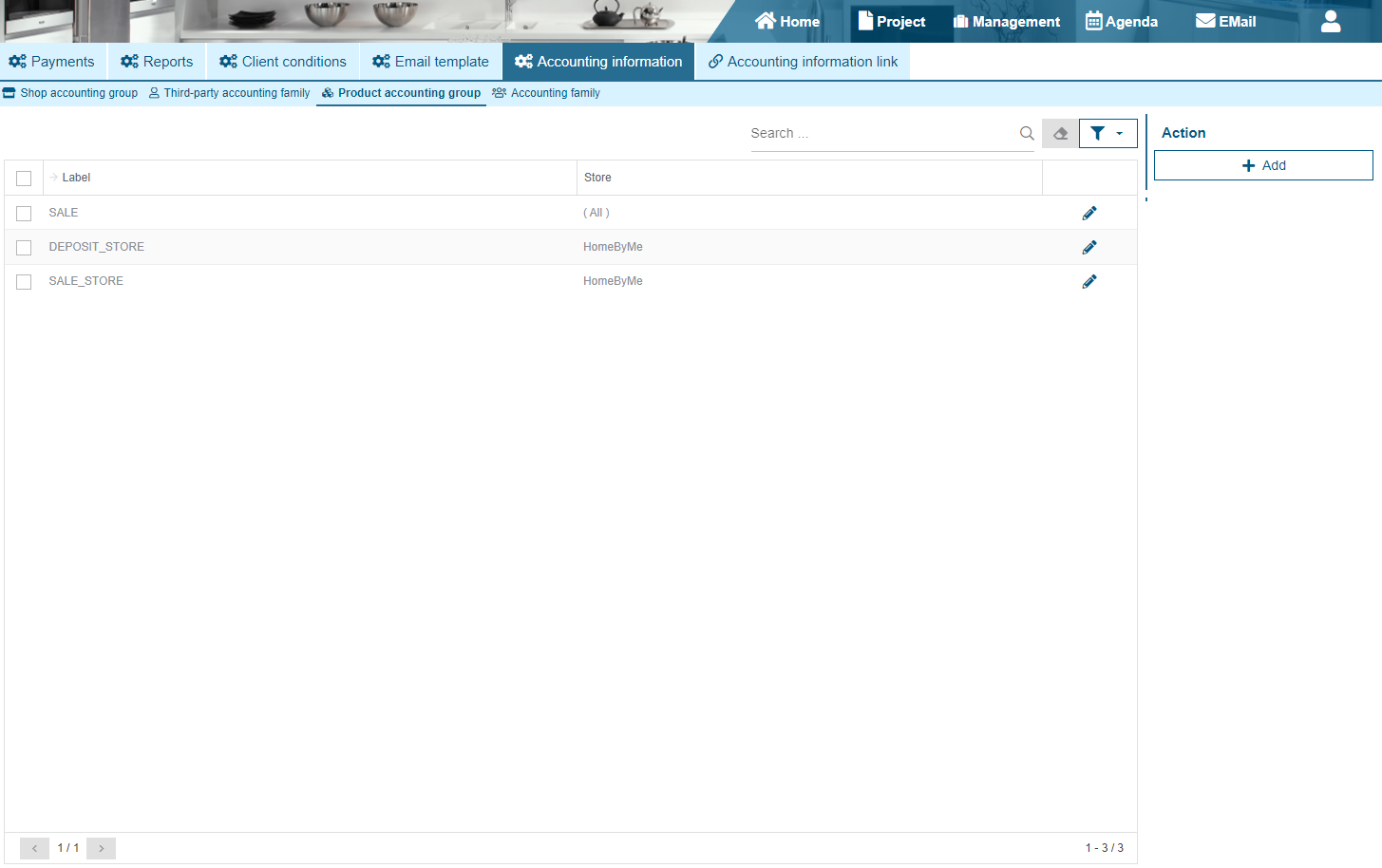
There will be a “Label” field to fill in and a list to select the store or the company ("(All)").

Accounting family
The last tab "Accounting Family" allows you to link a third-party accounting family to a product accounting family. These accounting families will also be linked to a store or to the company ("(All)").
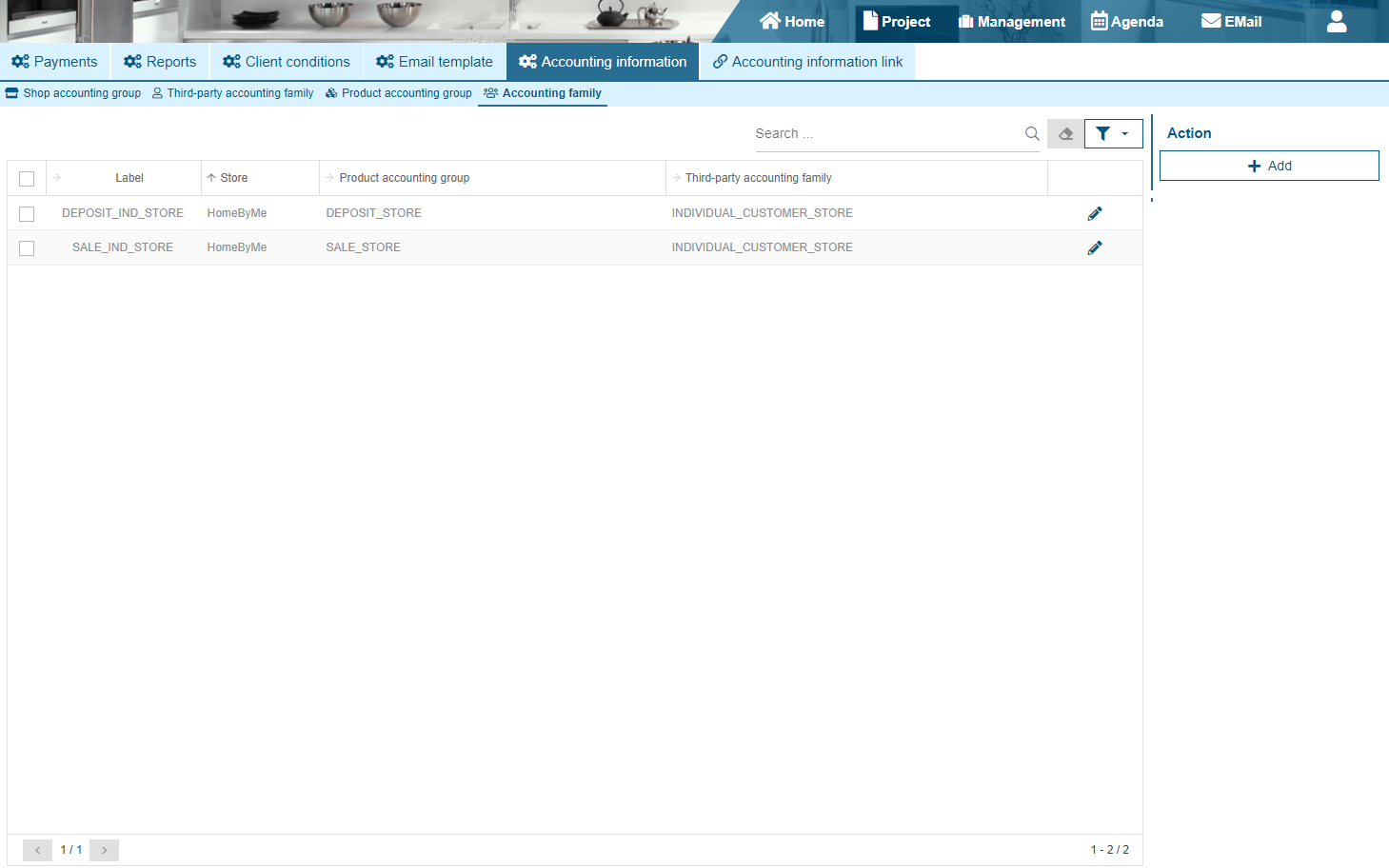
In the case where you are going to create a family in store "A" you will only be able to link the third-party accounting families and product accounting families linked to store "A". When modifying or adding it, it will be possible to fill in the product accounts, taxes and others in the case of sale or purchase. It will be necessary to modify the two tabs to modify the accounts of each category.