Home
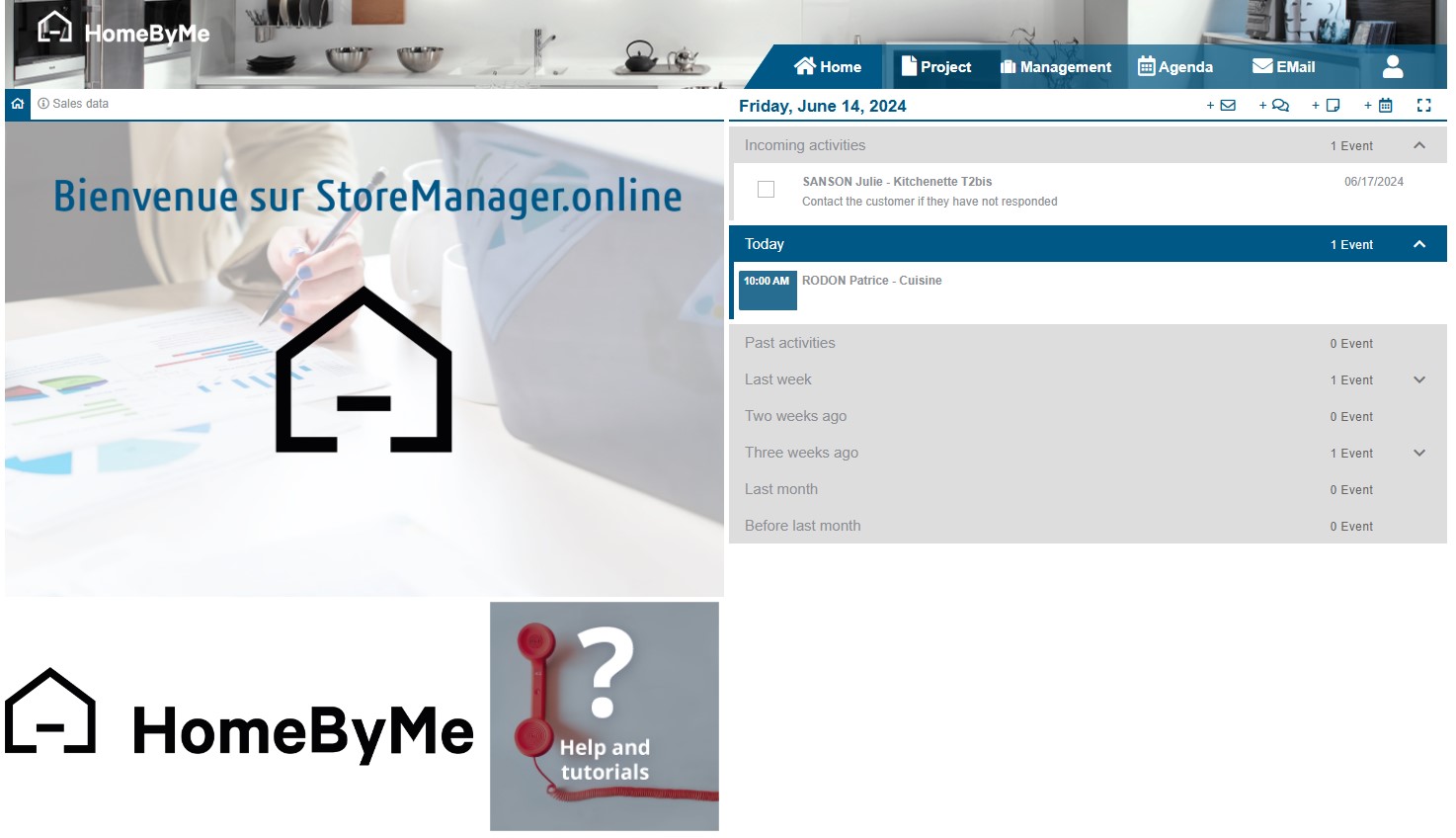
Once the user is logged in, the application opens on the home screen.
This screen is divided into two parts:
- a “General Information” section on the left
- an “Activity Tracking” section on the right
General Information
The “General Information” contains by default several links to the Retail Operations resources.
This part can be customized from the interface in order to include specifc images and URL links (cf. "Customizations").
Sales data
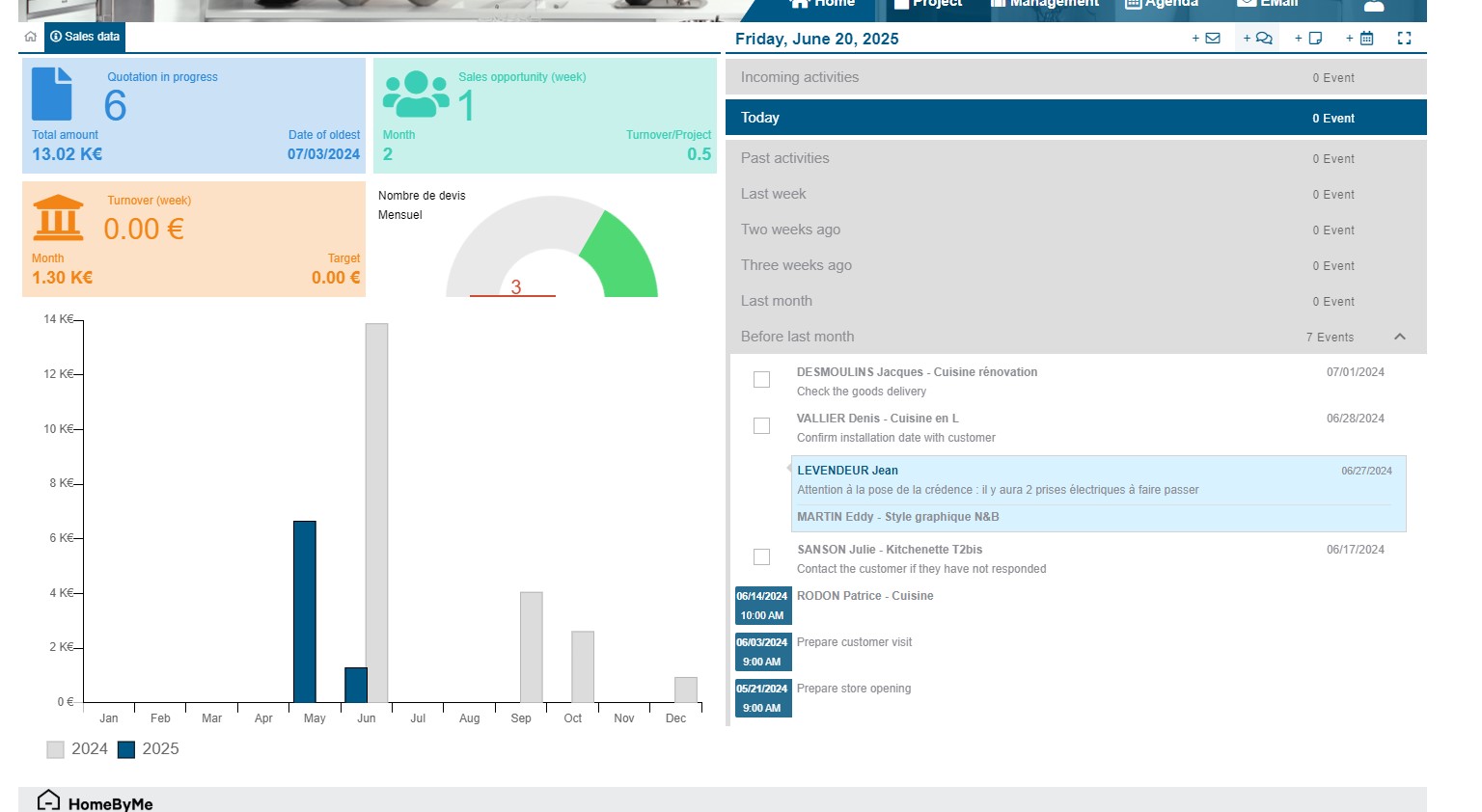
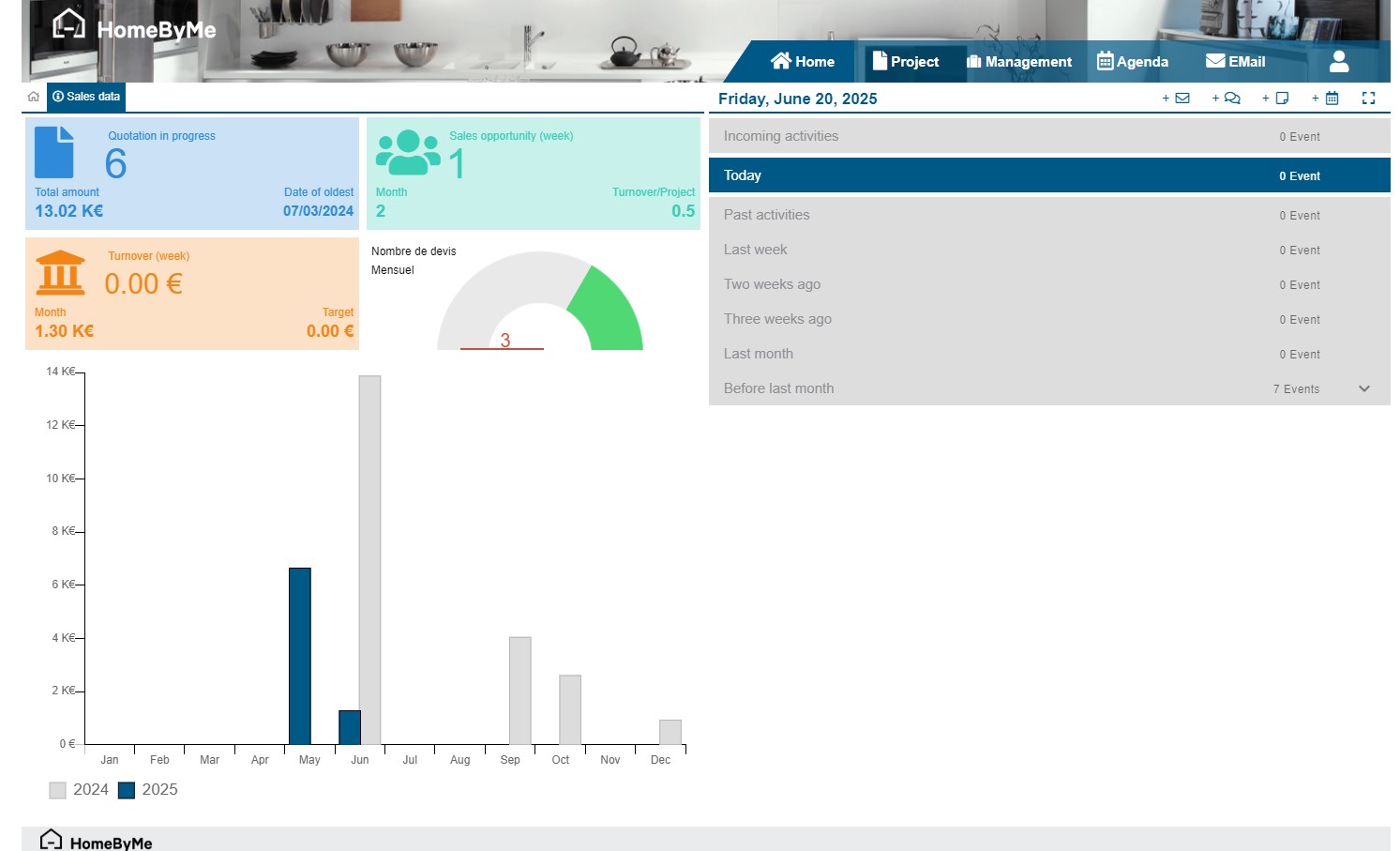
Behind the “General Information” section are presented some statistics concerning the connected user. They can be reached from the "Sales data" button on top left. Here we can find:
- The number of quotes made, the total amount of current quotes and the date of the oldest quote still open
- The number of sales opportunities over the week, the number of sales opportunities over the month and the ratio of number of sales to number of projects over three rolling months (sales opportunities = number of standard projects where my user is involved)
- The turnover achieved over the week, the turnover achieved over the month and the turnover objective over the month
- A graph showing the turnover for the year, compared to that of the previous year
Activity Tracking
The “Activity Tracking” part lists all the actions assigned to the user. There are several types of actions: emails, notes, tasks or appointments.
Actions are grouped by date. “Incoming activities” group actions scheduled for the next 7 calendar days.