Blocks configuration
Introduction
Block definitions can be imported and managed from the Retail operations Administration screen.
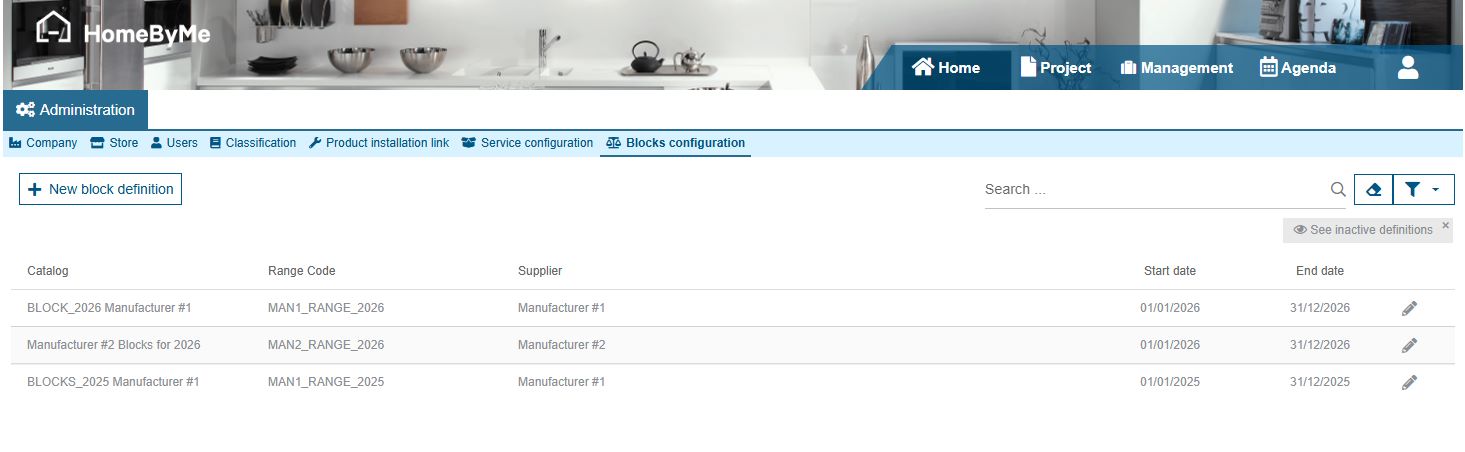
A grid displays the list of all Block definitions imported for the Company.
Importing a new Block definition
Click on the New block definition button in order to import a new Block definition. 2 formats are supported here: json and xls\xlsx. Both formats must follow a specific structure, allowing to initialize several types of information:
- File format: in order for the system to recognize the format of the file to be imported
- Catalog & Manufacturer information: code, name, version and default values for coefficients
- Merchandise groups: index, name and information indicating whether a Merchandise group is dedicated to an additional pack or a block
- Blocks: code, description, starting and ending date, and - for each defined pricing group:
- value
- budget for each related merchandise group
- Additional packs: related merchandise group, code, description, budget and value
All budgets and values are defined in points (not in any currency), before applying eventual purchase/sales coefficients.
Sample files
You can find below 2 examples of files:
Block definition details
Clicking on the Block definitions list displays a detail window, indicating for the detailed Definition:
- Its code and description (imported by default)
- The minimum starting date and maximum ending date of its related Blocks (imported by default)
- Its
Range code: please refer your 3DS service team in order to correctly initialize this very specific value, since it has to be the same as the one generated by your HomeByMe planner. This value allows you to identify the list of products that will be taken into account by your block computation system and referred by this Block definition. - Its Supplier: indicate here the Supplier that will be referred by default when generating your purchase documents (cf. Create supplier purchases)
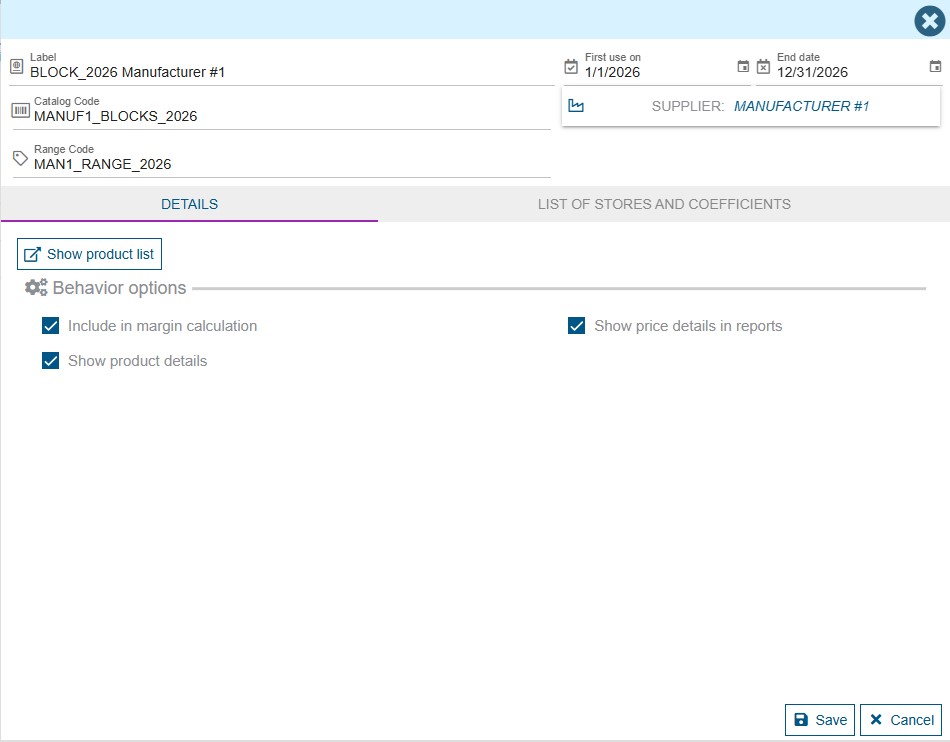
The related Product list simply indicates the List of Blocks and Additional Packs that are related with your Block definition. No price or VAT rate is displayed here.
Stores and coefficients
Similarly to the Catalog detail form, you can define different purchase/sales coefficients for your Block definition, and eventually personalize them for each Store of your Company.